Tired of moving files? One trick to easily move everything into a new directory
I can’t count how many times I’ve found myself in a cluttered directory thinking:
“I just want to move everything in here into a
./backup/directory… but how do I do that without trying to move./backupinto itself?”
So I’d do something silly like this:
1
2
3
mkdir -p ../backup
mv * ../backup
mv ../backup .
I hated when that happened. Sometimes I’d forget hidden files, or accidentally try to move the directory into itself and get this lovely message:
1
mv: cannot move '.' to 'backup/.': Device or resource busy
Eventually, I found two clean ways to move everything (yes, even hidden files!) into a new directory, without leaving the directory or breaking things.
The actual problem
Say you’re in a directory with a bunch of files, folders, maybe even dotfiles (.env, .gitignore, etc.).
You want to move everything into a new directory called backup/, which will live right there in the same directory.
But if you do this:
1
mv * backup/
It doesn’t move hidden files.
And if you try something more clever, like:
1
mv . backup/
Boom… error.
Solution 1: Use find (the longer option which works everywhere but I don’t use often)
1
2
mkdir -p backup
find . -mindepth 1 -maxdepth 1 ! -name 'backup' -exec mv -t backup/ -- {} +
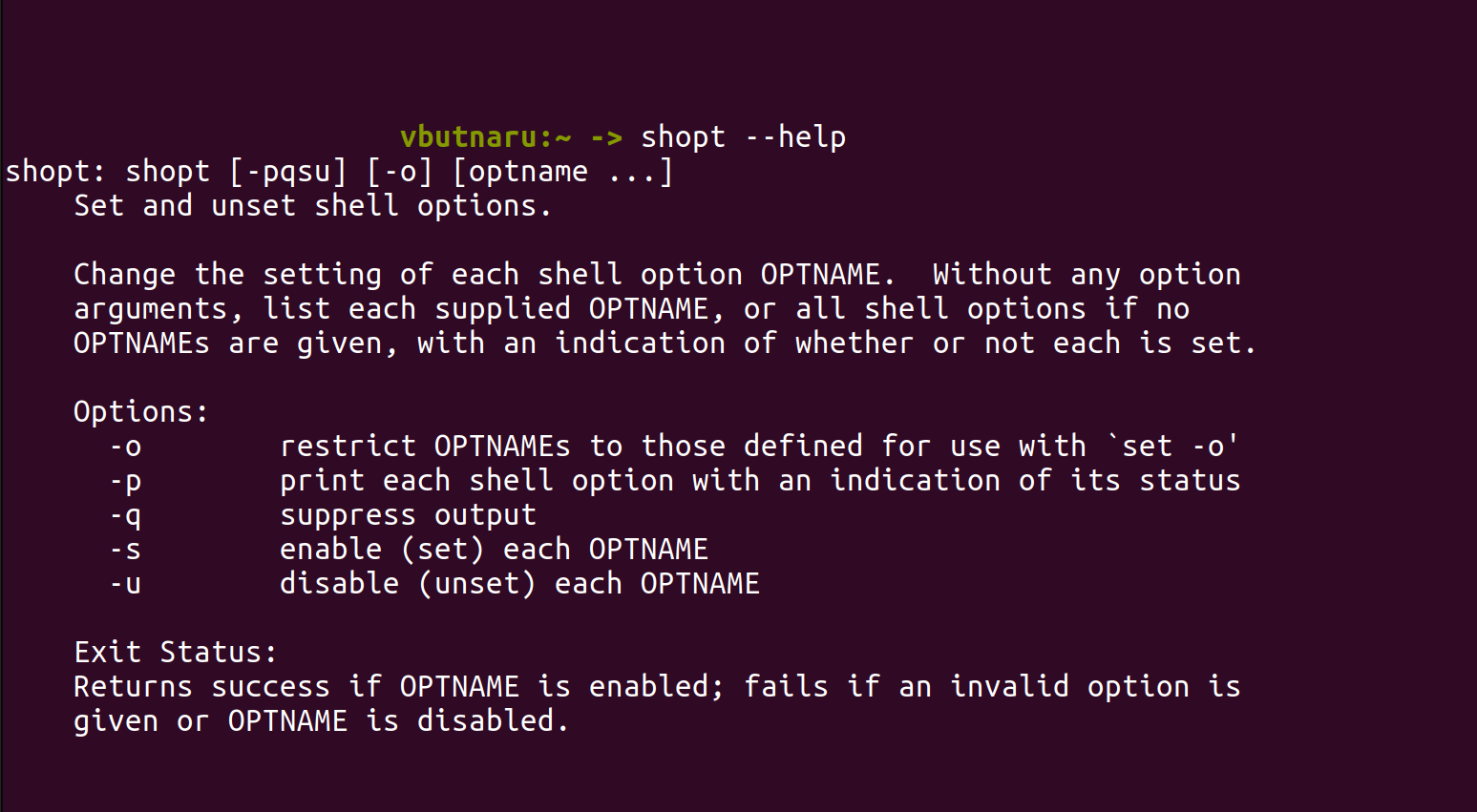
Solution 2: Bash Magic (shopt)
If you’re using Bash, here’s a shorter and friendlier way:
1
2
3
4
mkdir -p backup
shopt -s extglob dotglob
mv -- !(backup) backup/
shopt -u dotglob
- extglob lets you use patterns like !(backup). This translates to “everything except backup”
- dotglob includes hidden files
mv -- !(backup) backup/moves everything except backup/ into backup/shopt -u dotglobturns off dotglob afterward
In case you have weird filenames that start with -. Using
--it keeps mv from misreading them as options.
Let’s say you don’t want to move backup/ or logs/. You can do this:
1
2
3
shopt -s extglob dotglob
mv -- !(@(backup|logs)) backup/
shopt -u dotglob
That moves everything except backup/ and logs/ into backup/.
Conclusion
Before, I used to dance around the problem. Moving stuff out, then back in. Forgetting dotfiles. Getting errors. It was frustrating.
Now? Two lines. Done. No stress.
If you’re using bash, go with the shopt method. If you’re writing a script or working in another shell, use the find version.